
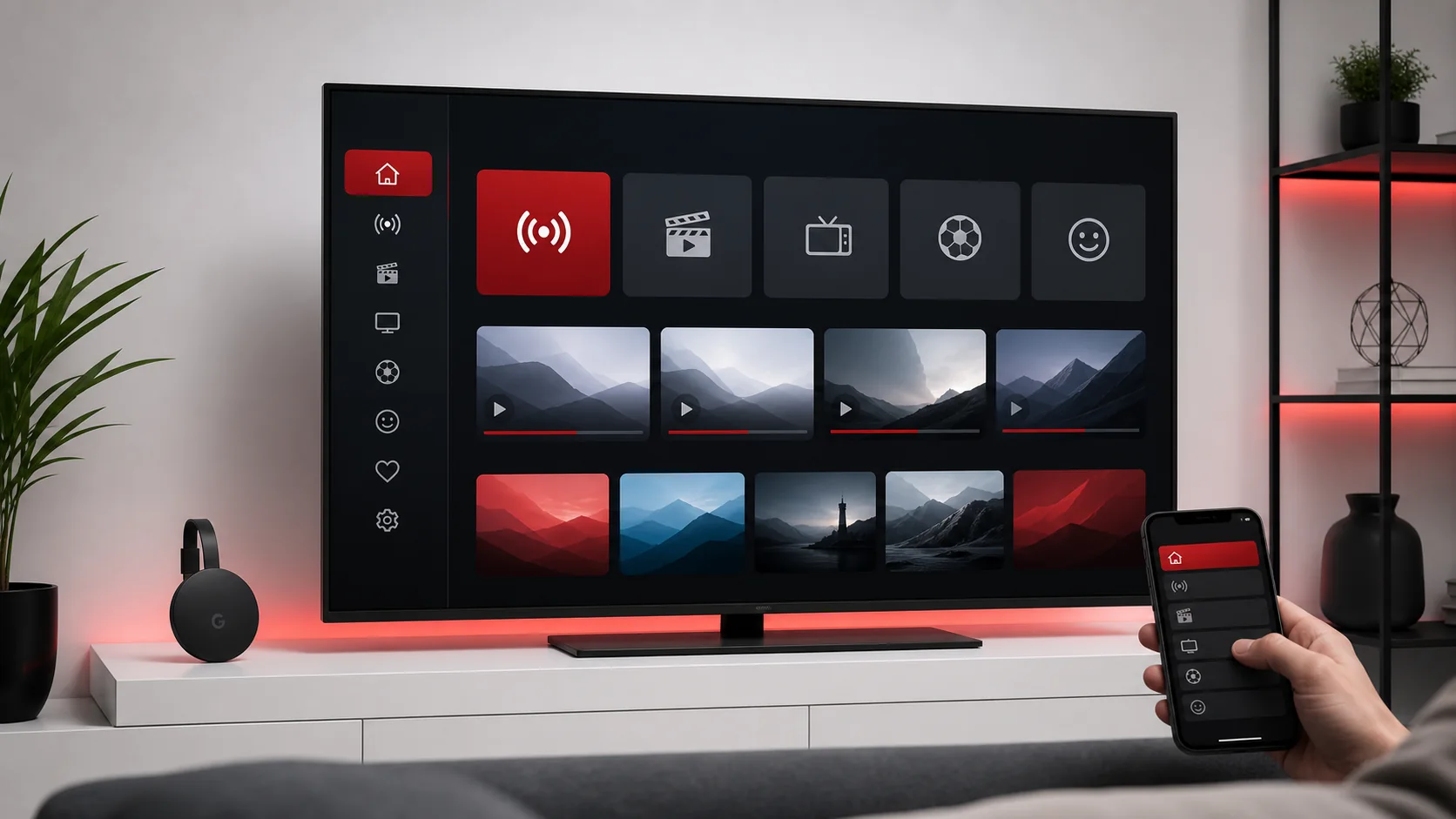
Set Up IPTV on Chromecast
Learn how to prepare Chromecast for IPTV playback, choose a compatible app, enter your subscription details, and solve common casting issues.
Read GuideInstallation Guide
Choose your device and follow a careful setup guide. Each article includes requirements, step-by-step instructions, troubleshooting, FAQ, related guides, and a WhatsApp support CTA.
Learn how to prepare Chromecast for IPTV playback, choose a compatible app, enter your subscription details, and solve common casting issues.
Read Guide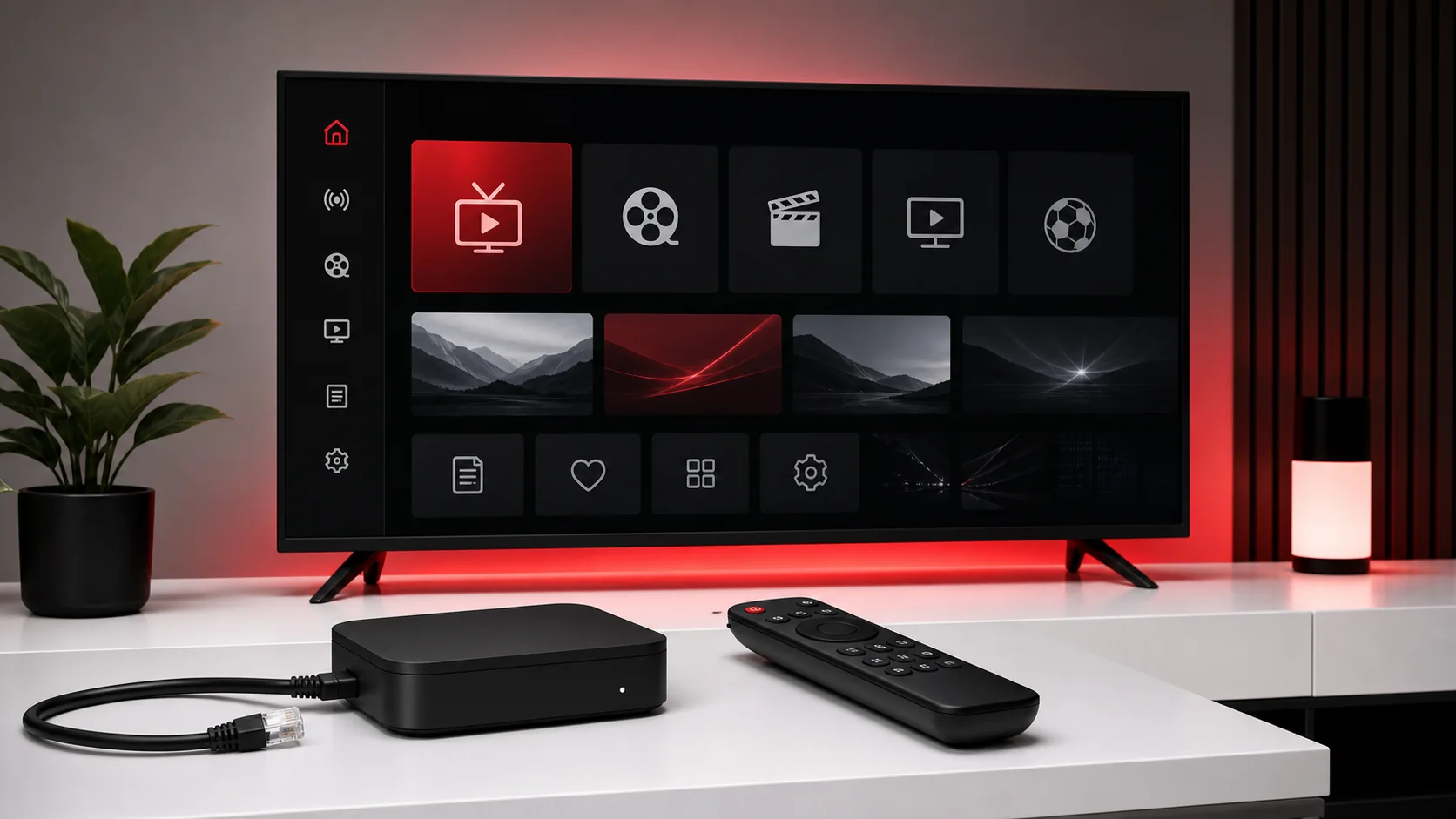
Follow a careful MAG Box setup flow covering portal preparation, network checks, reboot steps, and support details to send if activation needs review.
Read Guide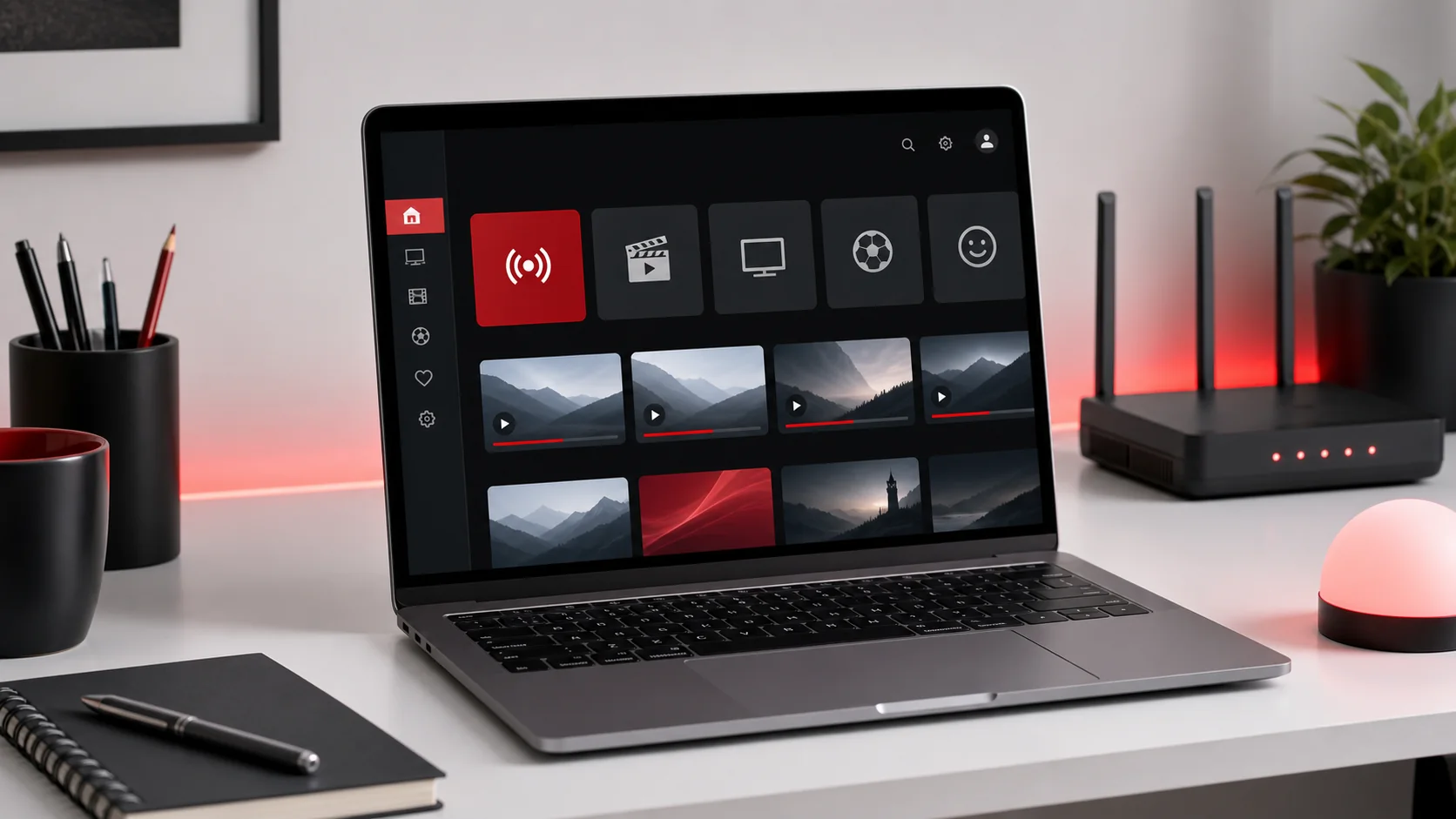
Set up IPTV on a Mac with a compatible player, organize playlist details, configure EPG where available, and tune playback for stable viewing.
Read Guide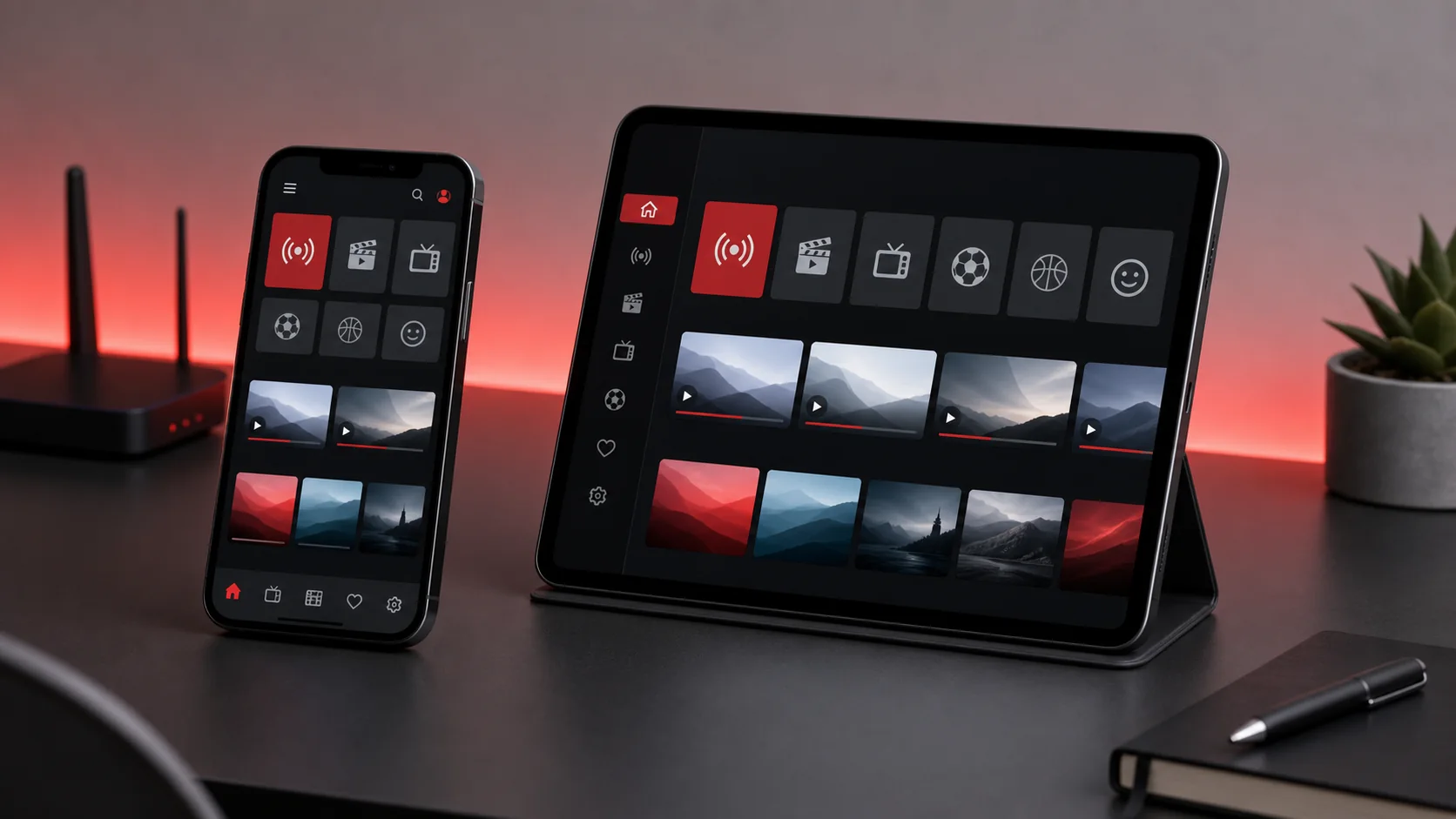
Install and configure an IPTV app on iOS or iPadOS, enter your subscription details, enable EPG if supported, and improve playback on mobile networks.
Read Guide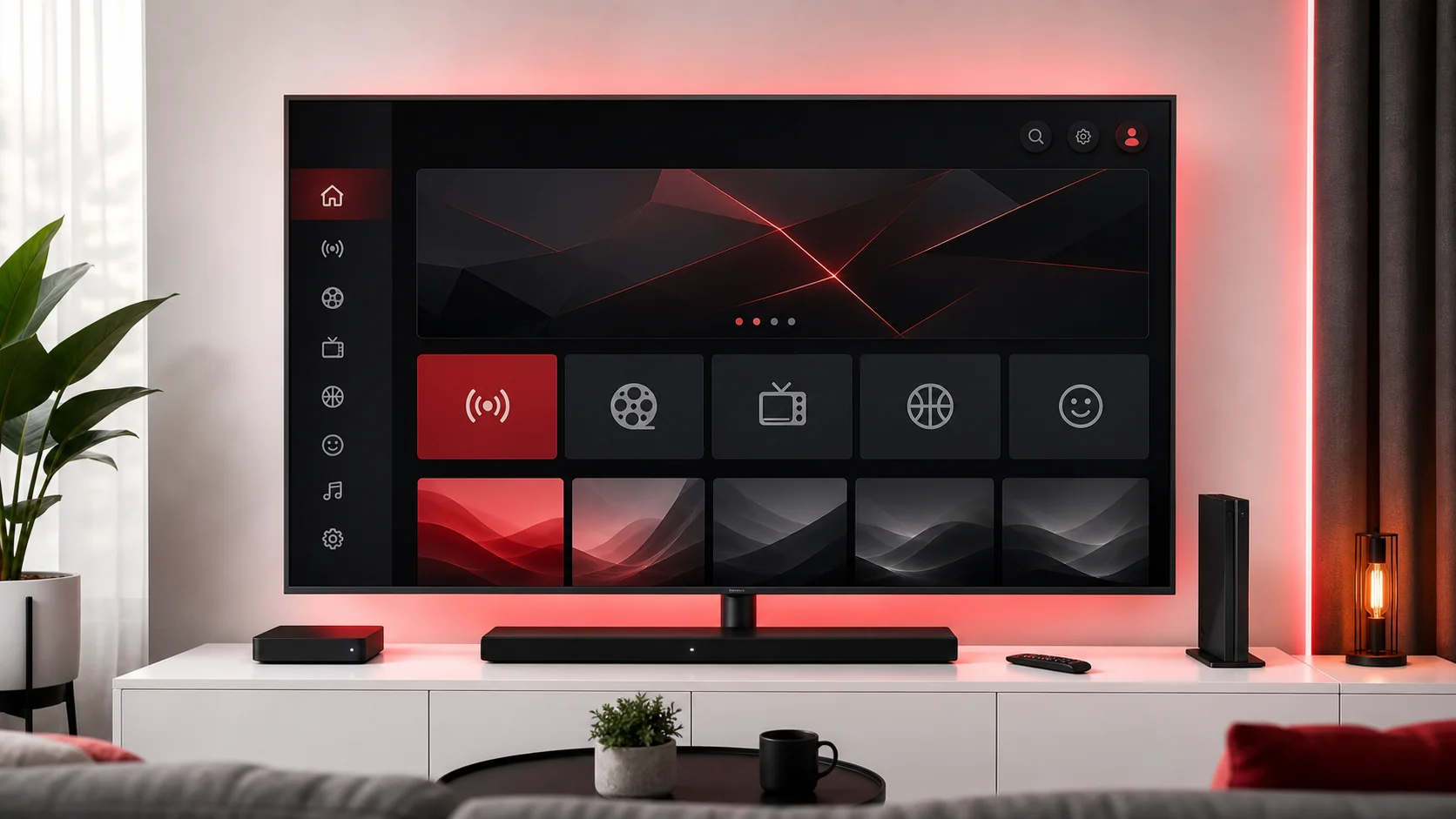
Prepare a Smart TV for IPTV playback with app store checks, playlist entry, EPG setup, remote-friendly navigation, and troubleshooting for TV operating systems.
Read Guide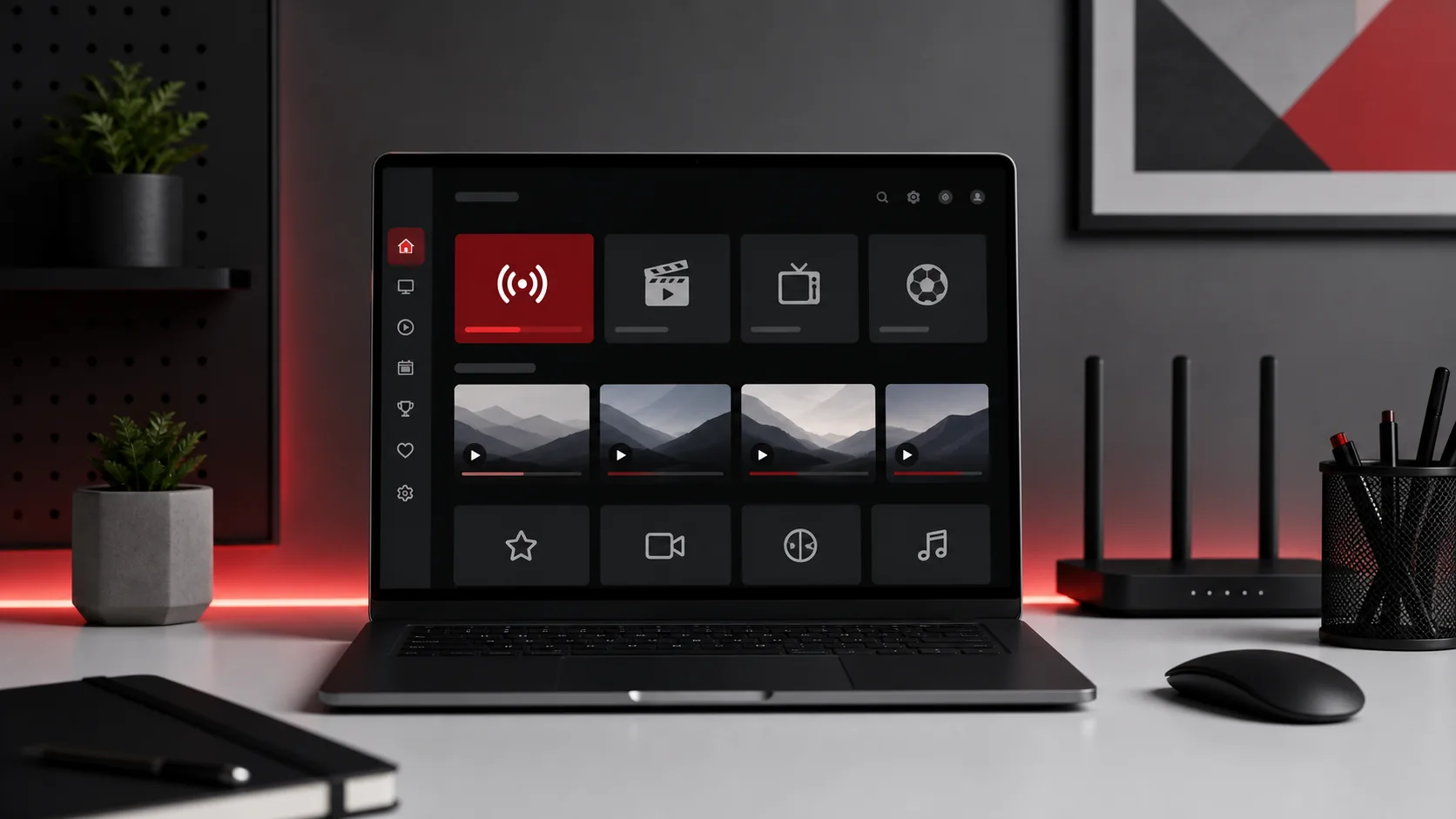
Configure IPTV on a Windows computer using a compatible player, organize credentials, adjust playback settings, and troubleshoot network or firewall issues.
Read Guide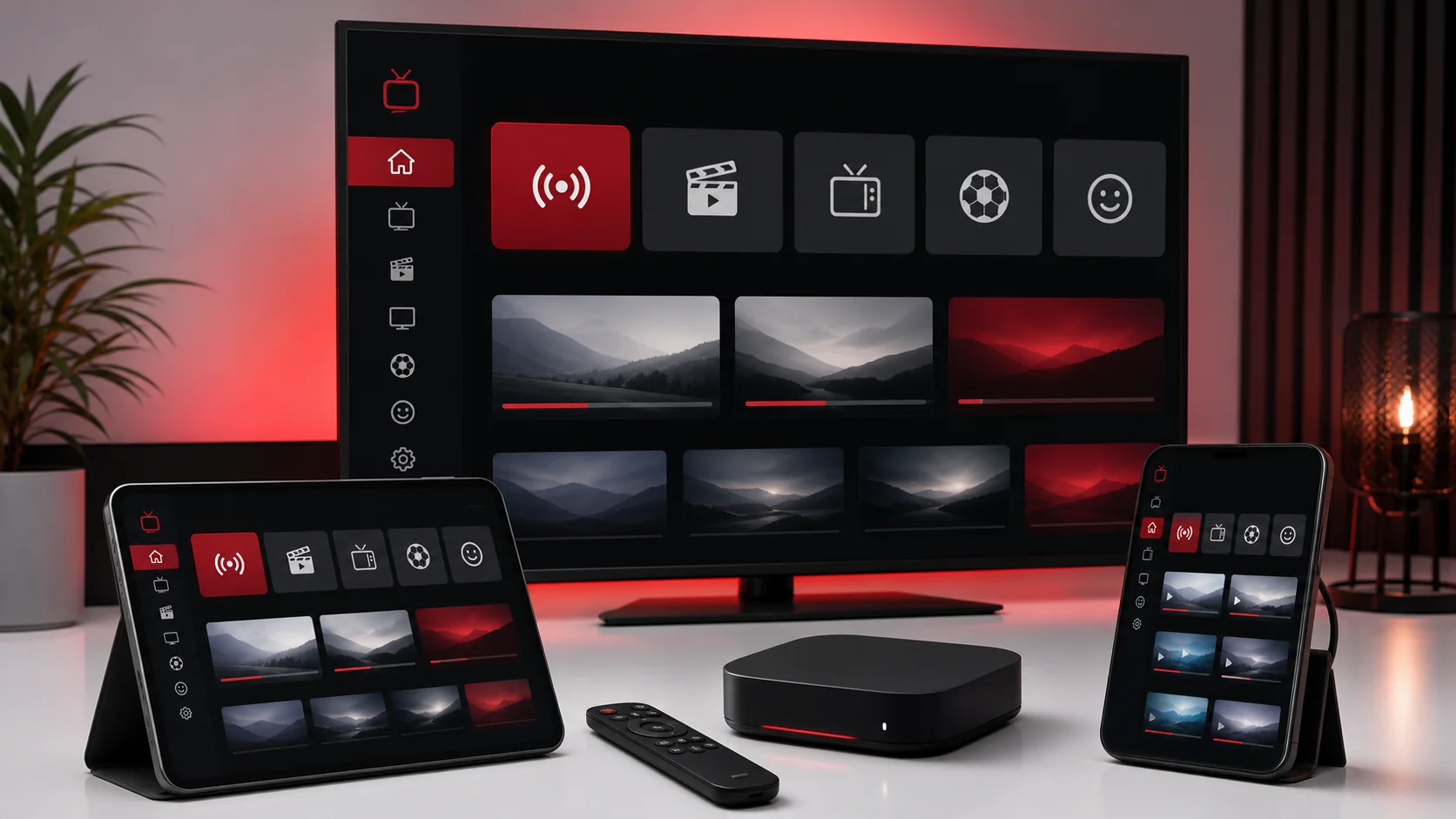
Set up IPTV on Android phones, tablets, and TV boxes with safe app selection, playlist entry, EPG checks, and performance tips for smoother playback.
Read Guide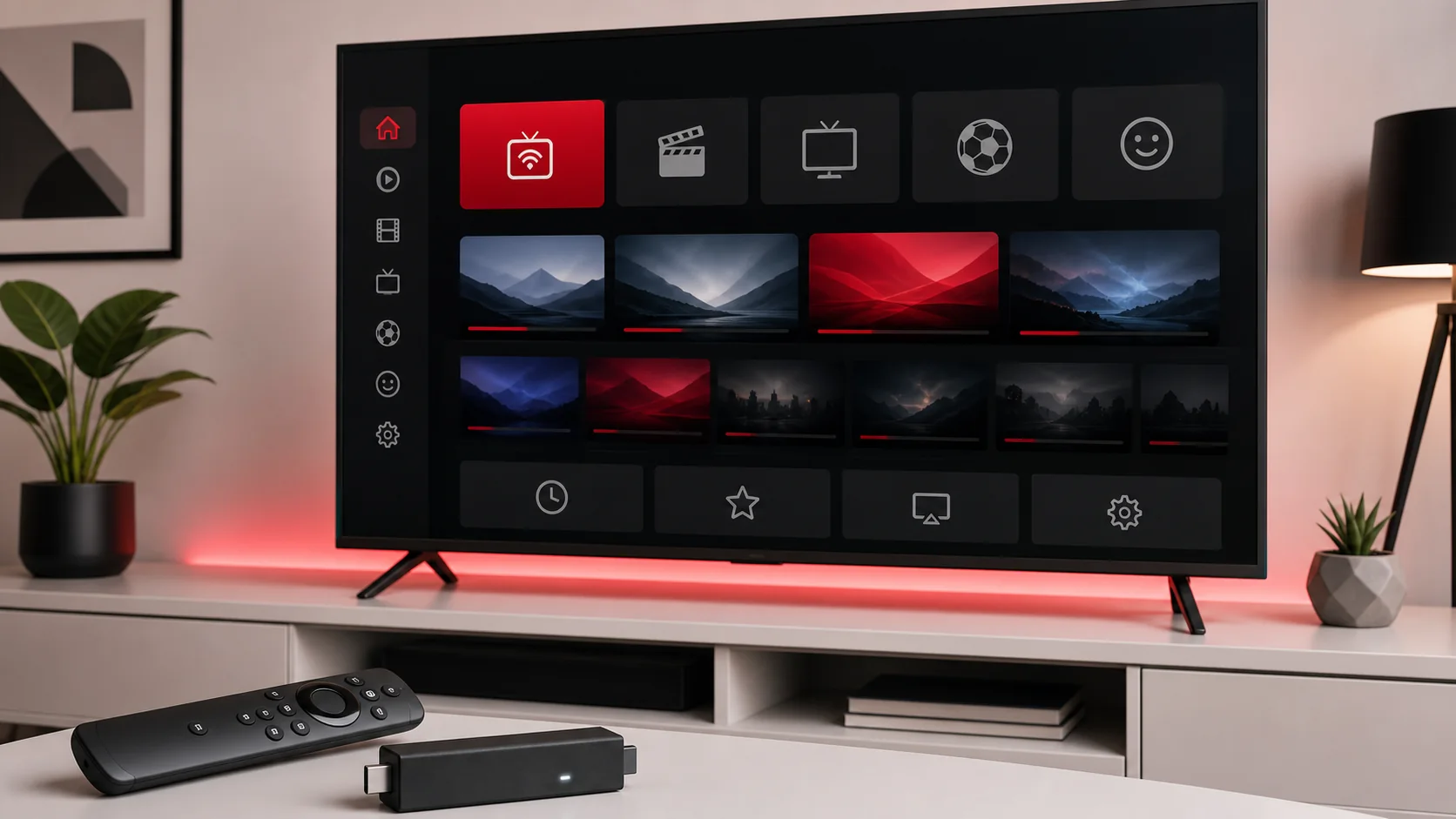
Install and configure IPTV on Fire TV Stick, prepare app permissions, enter login details, and solve common playback issues on Fire OS.
Read GuideTellyStudio Pro
Send your device and preferred app to support for clear installation guidance.